Is This a Scam?
A plain-English guide to spotting fake emails, texts, and websites — before they cost you
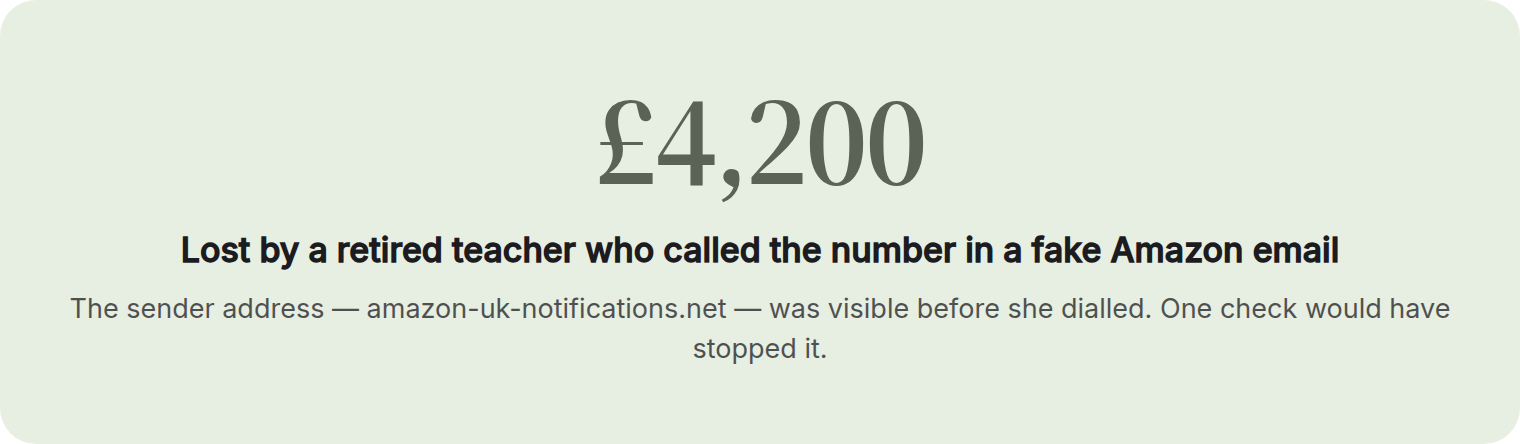
Look for these four red flags: pressure to act immediately, requests for personal information or payment through unusual methods, sender addresses or URLs that are slightly misspelled, and offers that seem too good to be true. Legitimate banks, government agencies, and companies will never ask for your password, Social Security number, or gift card payment by text or email. When in doubt, don't click any links — go directly to the official website by typing it yourself or call the company using a number you find independently. If even one red flag is present, treat it as a scam until proven otherwise.
Get the guide — freeWhat's inside
Plus 2 fill-in worksheets and a 12-step action checklist.
A page from the guide
Who it's for
An everyday internet user — likely middle-aged or older — who just received a suspicious email, text, or saw a sketchy website and isn't sure whether to trust it or delete it. They've gotten a message that feels slightly off — maybe a bank alert, a package notification, or a prize offer — and they're genuinely unsure if it's real. They're worried about clicking the wrong link, giving away personal information, or losing money, but they also don't want to ignore something that might actually be legitimate.